
A Guide to Ebook Formatting for First-Time Authors
Formatting an ebook is different from preparing a print book. This guide explains how to handle reflowable layouts, images, and front matter for a professional finish.
2 July 2026 · Updated 30 July 2026 · 5 min read
Understanding Reflowable Layouts
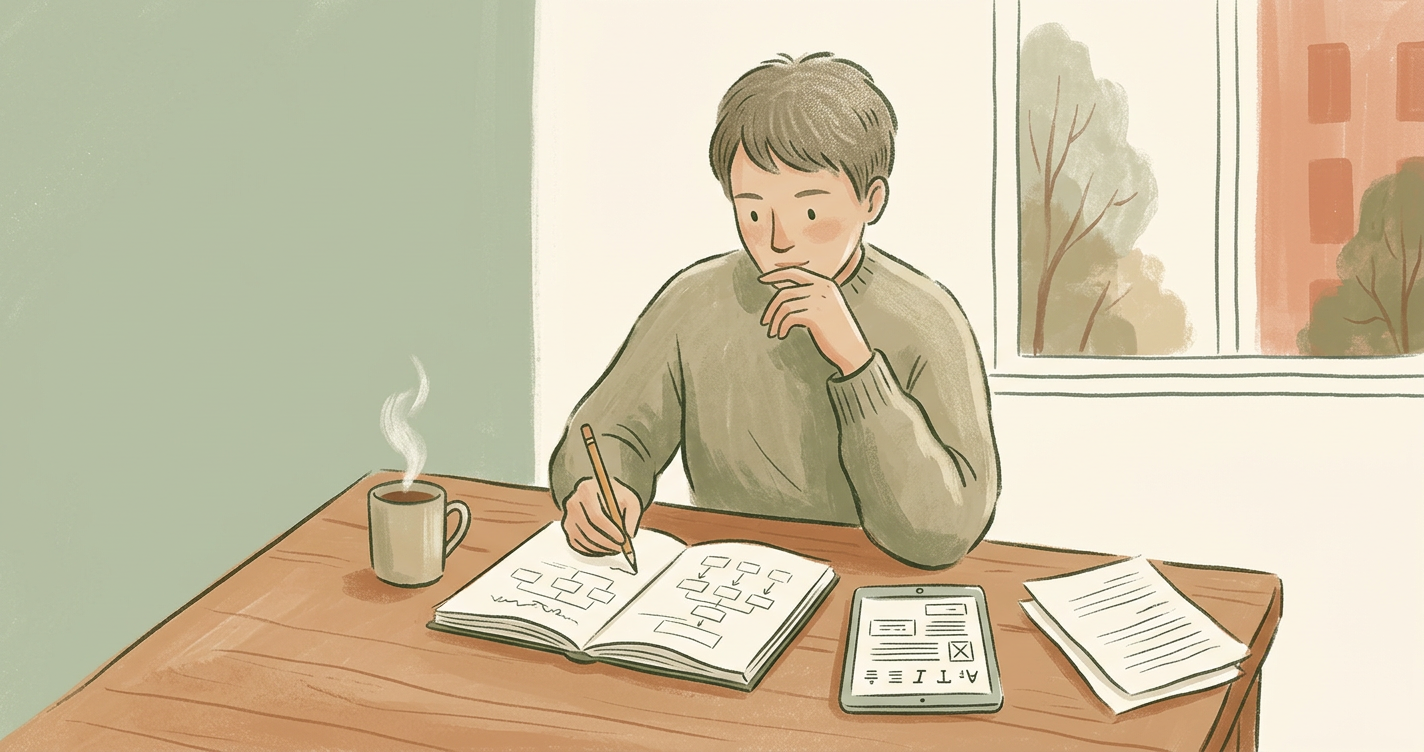
The most important concept for first-time authors to grasp is that ebooks are not static. While a print book has a fixed page size, an ebook uses a reflowable layout. This means the reader can change the font, text size, and line spacing on their device. Your book-formatting must be flexible enough to accommodate these changes without breaking the design.
Think of a reflowable ebook like a liquid in a container. Whether the reader is using a large tablet, a narrow smartphone, or a dedicated E-ink reader, the text should flow to fill the space available. If you attempt to force a specific layout—such as trying to keep a specific sentence at the bottom of a page—the reader's custom settings will likely override your efforts, resulting in large gaps or awkward text breaks. Successful formatting focuses on the logical order of content rather than the visual "page."
The Role of Styles
To ensure your book looks consistent, you must use Styles in your word processor or drafting tool. Instead of manually changing the font size for every chapter title, apply a 'Heading 1' style. This helps the conversion software understand the structure of your book and automatically generates the Table of Contents.
When you use the "Bold" and "Size 18" buttons manually, you are creating "local formatting." Conversion engines often struggle to translate these manual tweaks into the clean HTML code that powers EPUB files. By using Styles, you create a set of instructions that the device understands globally. For example, if you decide later that all your chapter titles should be slightly smaller, you can update the 'Heading 1' style once, and every chapter in the manuscript will update instantly. This consistency is the hallmark of a professional publication.
Essential Elements of Ebook Interior Design
A professional ebook is more than just a wall of text. It requires specific components to feel complete:
- Front Matter: This includes your title page, copyright notice, and dedication. Your copyright page should include the edition, the year of publication, and a standard "All Rights Reserved" statement to protect your intellectual property.
- Hyperlinked Table of Contents: Readers expect to jump to any chapter with a single tap. In an ebook, the Table of Contents (TOC) exists in two places: a physical page at the start of the book and a hidden navigation file that the device uses for its "Go To" menu.
- Images: Photos and charts should be high-resolution (300 DPI) and set to 'insert' rather than 'copy-paste' to avoid compression issues. Ensure images are centered and that text does not wrap around them, as wrapping often breaks on smaller screens.
- Back Matter: Include an 'About the Author' page and links to your website for marketing purposes. This is also the perfect place to include a "Call to Action," such as asking for a review or offering a link to sign up for your newsletter.
Step-by-Step: Setting Up Your Draft
- Standardise your body text: Set your main body style to "Normal" or "Body Text." Use a standard serif font like Times New Roman or Georgia at 12pt for the draft; the reader's device will allow the user to change this later, but a clean starting point prevents conversion errors.
- Set Paragraph Indents: Go to the Paragraph settings in your word processor. Set a "First Line Indent" of 0.5cm (or 0.2 inches). Do not use the spacebar or tab key.
- Remove Extra Spacing: Many writers hit "Enter" twice between paragraphs. In fiction, this is generally unnecessary. In non-fiction, you may want a small gap, but this should be controlled through the "Space After" paragraph setting, not by adding empty lines.
- Insert Page Breaks: At the end of every chapter, use the "Insert > Page Break" command. This ensures the next chapter starts on a fresh screen regardless of the reader's font size.
Common Formatting Mistakes to Avoid
Even experienced writers can stumble during the typesetting phase. Watch out for these frequent errors:
- Using the Tab Key: Never use the 'Tab' key to indent paragraphs. This creates unpredictable gaps on mobile screens. Use the 'First Line Indent' setting in your paragraph styles instead.
- Hard Page Breaks: Avoid hitting 'Enter' multiple times to start a new page. Use a formal 'Page Break' command so chapters always start at the top of a new screen.
- Complex Tables: Large tables often break on small phone screens. Consider turning complex data into a clear image instead. If you must use a table, keep it to two or three columns maximum.
- Drop Caps: While they look beautiful in print, drop caps (large first letters) can be temperamental in ebooks. If you use them, ensure they are tested across multiple devices to prevent them from overlapping other text.
- Forced Justification: Avoid forcing your text to be "Justified" (aligned to both left and right margins) in your document. Most ereaders allow the user to choose their preferred alignment. Forcing it can lead to "rivers" of white space between words.
"Formatting is the silent ambassador of your brand. When it is done well, the reader doesn't notice it at all. When it is done poorly, it is the only thing they can talk about."
Once your draft is ready, editing and proofreading are vital. A single formatting glitch, like a missing link or a stray character, can distract a reader and lead to negative feedback on retail platforms. It is highly recommended to export your file to an EPUB format and view it on a free reader like Adobe Digital Editions or the Kindle Previewer tool before you upload it to any store.
Checklist for Final Review
- Does every chapter start on a new page?
- Are all links (internal and external) clickable and directing to the right place?
- Is there a clear distinction between chapter titles, subheadings, and body text?
- Are images clear and not appearing too small?
- Is the Table of Contents fully functional?
- Have you removed all double spaces between sentences?
How There's a Book in Everyone helps
Our platform simplifies the technical side of publishing. By using our ai-writing tools to draft your content, the underlying structure is kept clean and ready for conversion. We provide guided support for formatting and typesetting, ensuring your interior layout meets the standards required by major retailers without you needing to learn complex code.
We understand that the transition from a finished manuscript to a professional ebook can feel daunting. Our system handles the heavy lifting of CSS and HTML conversion behind the scenes. This means you can focus on the creative aspects of your work, knowing that the final file will be compatible with Kindle, Apple Books, and Kobo. By maintaining a clean structural hierarchy during the writing process, you significantly reduce the time spent on troubleshooting later.
Explore Publishing Support
Preparing to publish? Get guided support for metadata, formatting and publishing preparation. Explore Publishing Support
Frequently asked questions
Preparing to publish?
Get guided support for metadata, formatting and publishing preparation.