
Book interior design and typesetting
The Typesetter Agent lays out your manuscript for print and ebook – with KDP trim presets, gutter and margin controls, and validated exports.
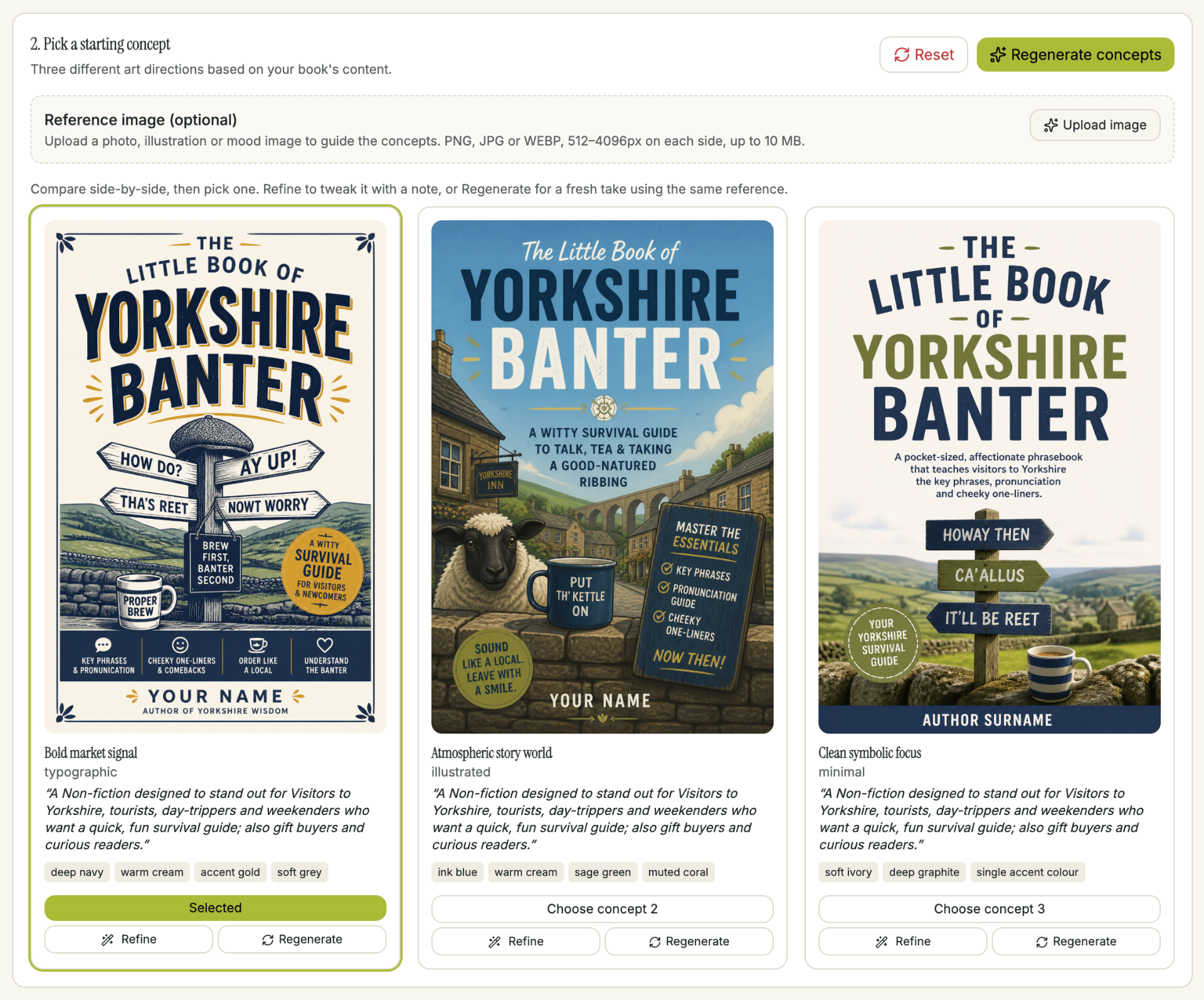
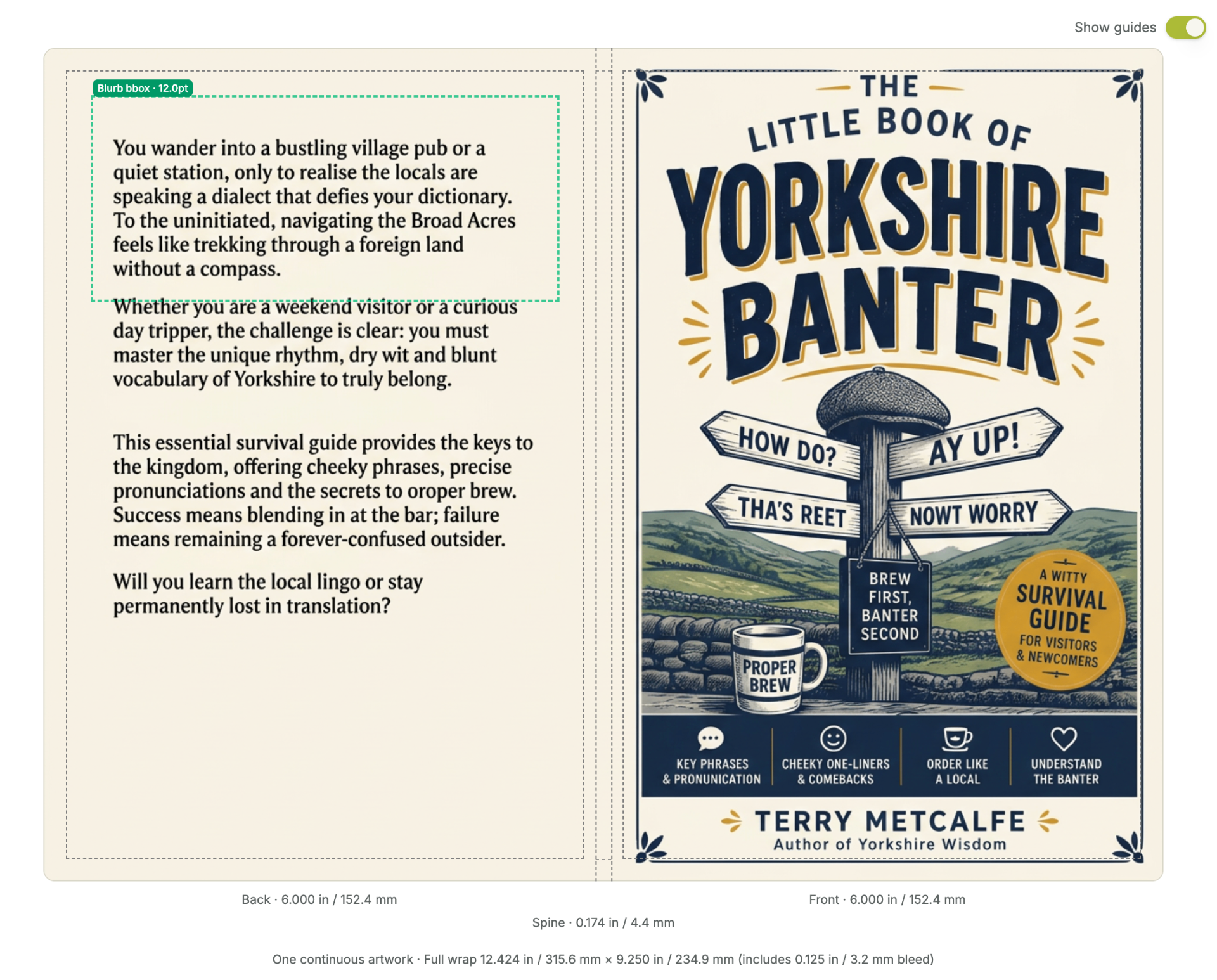
Who it helps
- • Self-publishers preparing KDP files
- • Authors who want a professional interior
- • Writers exporting PDF, EPUB and DOCX
How it works
1. Choose your trim
Pick a KDP-recommended trim and margin preset – or set custom values.
2. Preview the layout
See exactly how the interior will look before exporting.
3. Export in one click
Generate KDP-ready PDF plus EPUB and DOCX exports.
Interior design that looks professionally typeset
The Typesetter Agent applies the small decisions that separate a self-published book from an amateur one: correct running heads, chapter openers, drop caps, orphan and widow control, small caps on acronyms, and consistent spacing around headings. You don't need to know what those things are — the agent handles them by default and lets you override anything you want to.
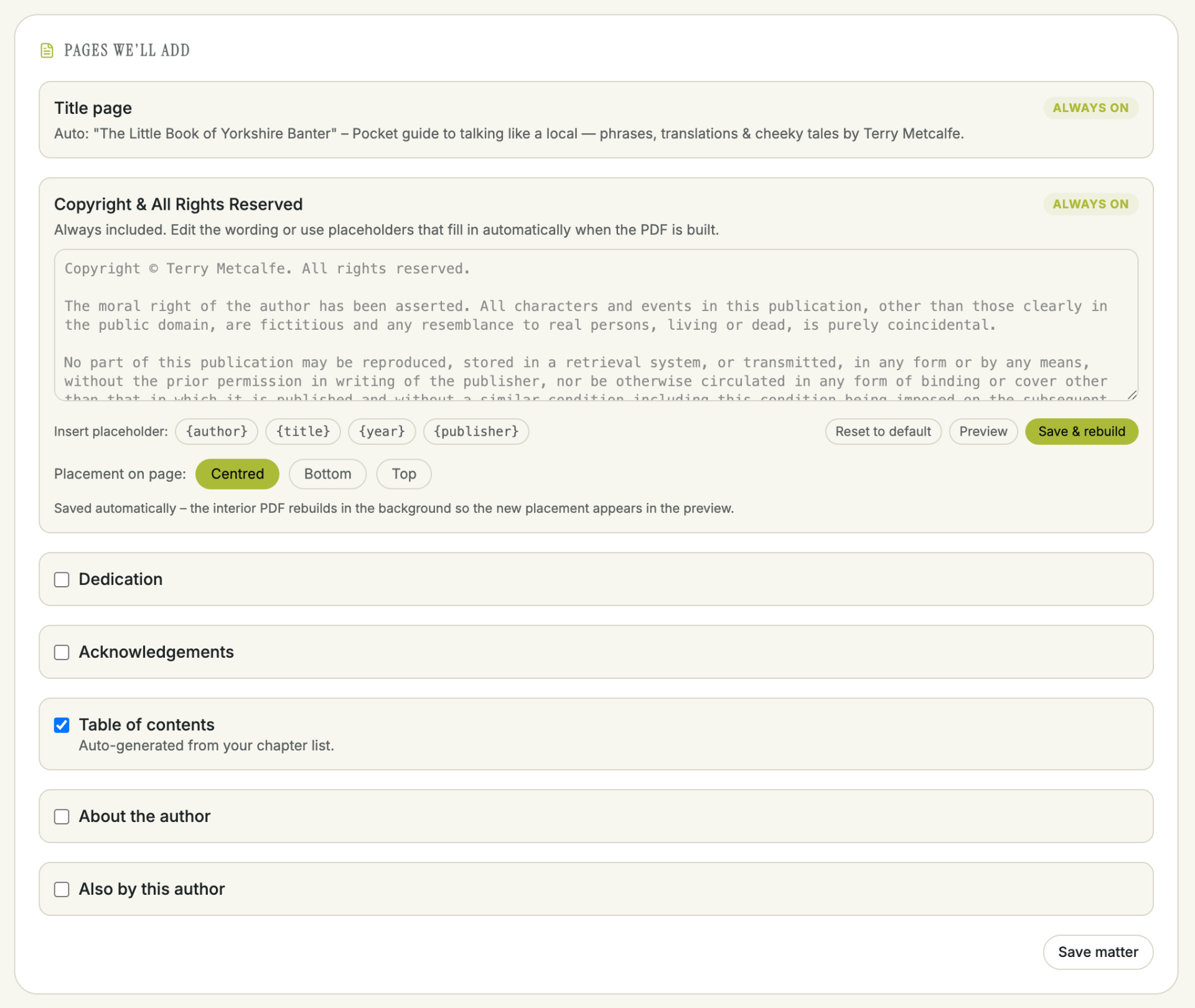
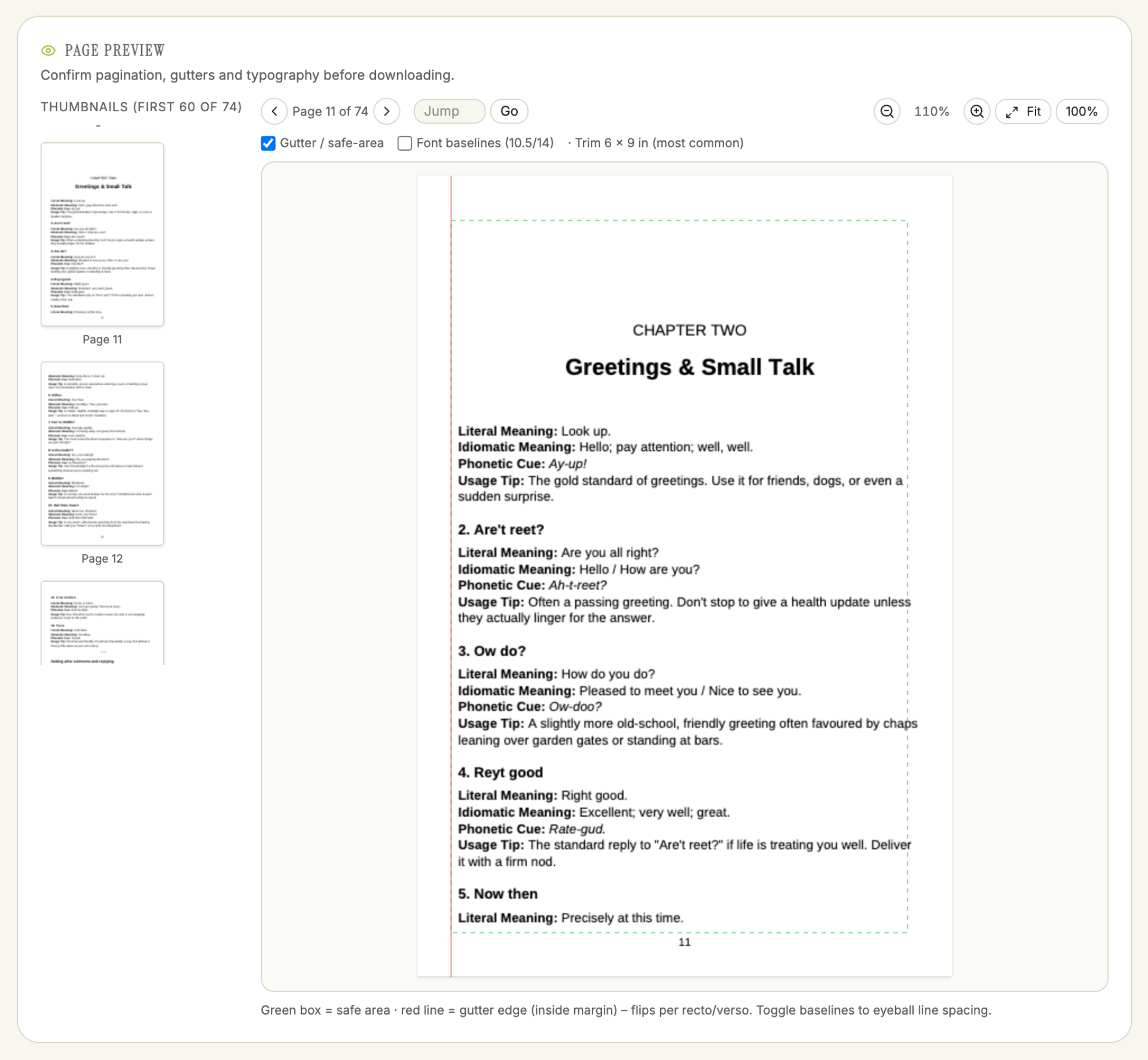
Print and ebook from one source
Your manuscript is the single source of truth. Change a paragraph and the print PDF, the EPUB and the DOCX all update. No more maintaining three copies of the same book and drifting out of sync between Amazon KDP paperback and Kindle.
KDP-validated before you upload
Before export, TABIE checks trim size, gutter, margins, bleed, image resolution and font embedding against Amazon KDP's rules. Anything that would trigger a rejection is flagged with a fix suggestion, so you upload once and hit publish instead of ping-ponging with KDP support.
Frequently asked questions
Preparing to publish?
Get guided support for metadata, formatting and publishing preparation.