
Amazon KDP Cost: How Much It Really Costs to Self-Publish on Amazon in 2026
How much does it cost to self publish on Amazon? Uploading to KDP is free, but a realistic Kindle self publishing cost runs £200–£1,500 once you add editing, cover design, formatting and Amazon's royalty share.
30 June 2026 · Updated 30 July 2026 · 5 min read
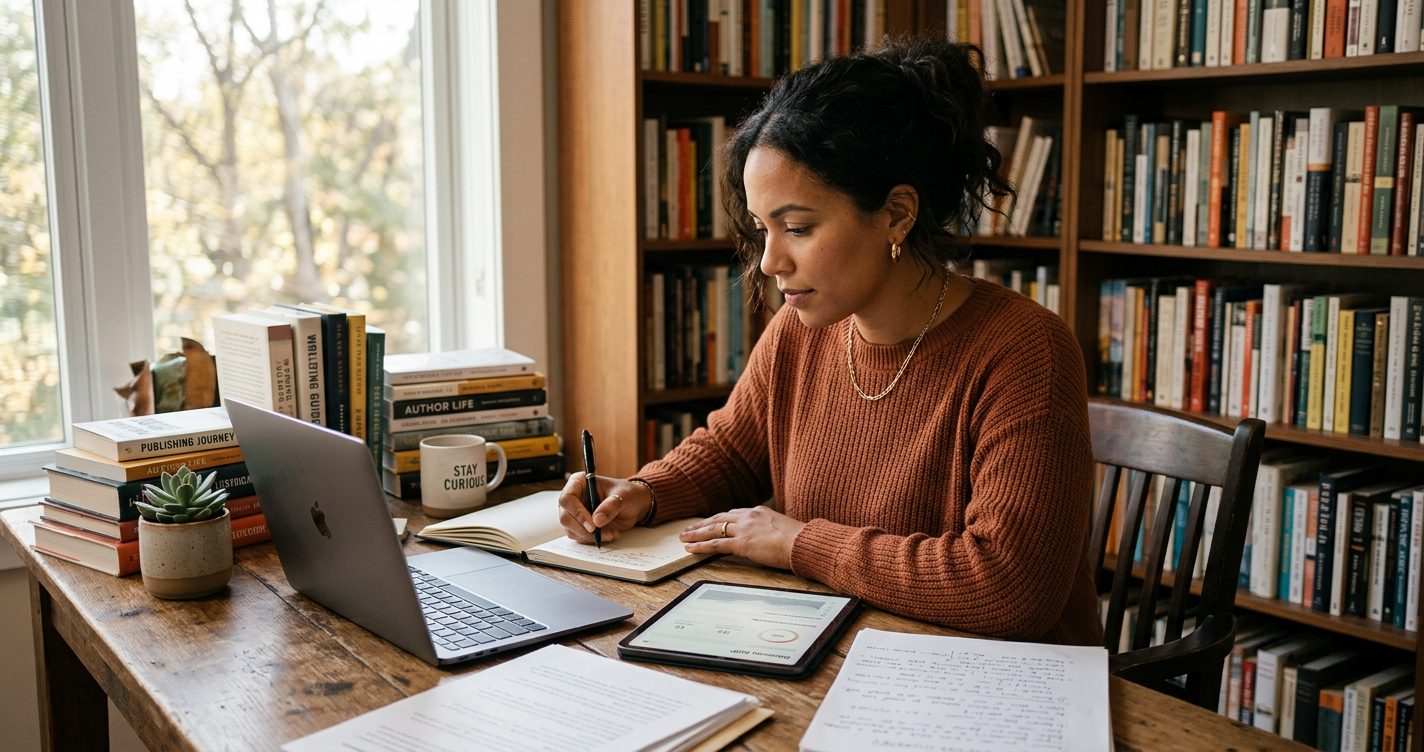
How much does it cost to self publish on Amazon?
The short answer: the Amazon KDP cost to upload a book is zero, but the realistic cost to publish on Amazon end-to-end sits between £200 and £1,500 for most first-time authors. That Kindle self publishing cost covers editing, cover design, interior formatting and an optional ISBN — plus the KDP publishing cost Amazon deducts from every sale in the form of print fees and its royalty share. This guide breaks each line item down so you can budget before you press publish.
Is it really free to publish on Amazon?
Technically, yes. Creating a Kindle Direct Publishing (KDP) account and uploading your files costs nothing. Unlike vanity presses, Amazon does not charge you to host your book or list it for sale. "Free to upload" is not the same as "free to produce", though — to compete you still need a professionally prepared book. Our free KDP royalty calculator gives you a per-copy earnings estimate before you commit to a list price.
While the platform is free, you should view your book as a small business. If you spend £0 on production, your book will often look like a £0 product. In 2026, the Amazon marketplace is highly competitive; readers have high expectations for prose quality and cover aesthetics. Budgeting for the right areas ensures your book doesn't just exist on Amazon, but actually sells.
Kindle self publishing cost breakdown
eBook royalty share
- 70% royalty: available when your eBook is priced between £1.99 and £9.99. A small per-MB delivery fee is deducted (typically £0.10 to £0.20 for a standard novel).
- 35% royalty: mandatory for eBooks priced below £1.99 or above £9.99. There are no delivery fees on this plan, making it better for image-heavy books like cookbooks or photography portfolios.
Paperback and hardcover royalty share
Print books use a 60% royalty on Amazon's marketplaces. Amazon first subtracts the printing cost from that 60%; what remains is your profit.
Example: your paperback sells for £10.00 and costs £3.00 to print. Amazon keeps 40% (£4.00), leaving £6.00. Subtract the £3.00 print cost and you earn £3.00 per copy.
Printing cost variables
The printing cost is not a flat fee. It is calculated based on:
- Page count: More pages require more paper and ink.
- Ink type: Black ink is significantly cheaper than standard or premium colour.
- Trim size: Larger formats (like 8.5" x 11") may cost more than standard 6" x 9" sizes.
- Marketplace: Costs vary slightly between Amazon.co.uk, Amazon.com, and European stores due to local manufacturing rates.
Essential pre-publishing costs
1. Editing and proofreading
Usually the largest line item in your Amazon publishing cost. A professional pass ensures your story flows and is free of typos. Our editing and proofreading tools help refine your draft, but a human or high-tier AI review remains vital. Expect to pay between £0.005 and £0.015 per word for professional copyediting. For an 80,000-word novel, this could range from £400 to £1,200.
2. Book design and typesetting
A book that looks like a Word document will not sell. Professional formatting ensures margins, fonts and page numbers are correct across digital and print — the fastest way to look non-amateur. If you do this yourself using tools like Vellum or Reedsy, the cost is your time. Hiring a professional typesetter usually costs £100–£300.
3. Cover design
Your cover design is your primary marketing tool. Custom covers run £50–£500 and must be high-resolution and sized for the correct spine width based on your page count. Premade covers are a great budget option, often costing between £40 and £90, while bespoke illustrative covers sit at the higher end of the scale.
Hidden costs you must budget for
Beyond the "big three" (editing, cover, formatting), several smaller costs can surprise new authors:
- Author Copies: While you don't have to buy stock, you should order at least 5-10 copies for personal use, reviewers, and local libraries. You pay the print cost plus shipping.
- Marketing and Ads: Amazon Advertising (AMS) is a "pay-per-click" system. Many authors start with a budget of £5 per day to gain initial visibility.
- Software Subscriptions: Tools for keyword research (like Publisher Rocket) or advanced grammar checking can add £50–£100 to your initial setup.
KDP publishing cost mistakes to avoid
- Ignoring file delivery fees: High-res images inflate eBook file size. Since Amazon charges roughly £0.12 per MB on the 70% royalty tier, a 10MB book loses £1.20 of profit per sale. Optimise your images before uploading.
- Ordering too many proofs: Author copies are cheap, but shipping stacks up. Batch your proof rounds so you aren't paying for postage five times for five minor corrections.
- Overlooking ISBNs: Amazon's free ISBN only works on Amazon. To distribute to physical bookstores or other platforms like Kobo, buy your own from Nielsen (UK, ~£95 for a single, or £170 for 10) or Bowker (US).
- Pricing too high or too low: Pricing a debut novel at £14.99 for an eBook will likely result in zero sales, while pricing at £0.99 permanently puts you in the 35% royalty bracket.
A 2026 Budgeting Checklist
Use this checklist to estimate your total investment before you begin the technical upload process:
- The "Budget" Route (£150 - £300): Self-edited with advanced tools, premade cover, free Amazon ISBN, and DIY formatting.
- The "Professional" Route (£600 - £1,000): Professional copyedit, custom cover design, paid ISBN for wide distribution, and professional formatting.
- The "Premium" Route (£2,000+): Developmental editing, professional proofreading, bespoke cover illustration, and a dedicated marketing launch budget.
How much does it cost to publish on Amazon vs traditional?
Traditional publishing costs the author nothing up front but takes 85–90% of net receipts and 12–24 months to reach shelves. Self-publishing on Amazon inverts that: you pay £200–£1,500 up front and keep 35–70% of every sale, with a book live in days. Which is cheaper long-term depends on how many copies you sell. If you sell 5,000 copies, the higher royalty rate of self-publishing usually pays back your initial investment many times over.
How There's a Book in Everyone helps
We simplify the journey by handling the technical and creative work in one place — from book planning and drafting to cover design and export-ready files. By centralising these services, we help you avoid the "freelancer fatigue" of managing multiple contractors and varying quotes. See our pricing and plans to compare monthly costs against typical freelancer quotes for the same scope of work.
Frequently asked questions
Preparing to publish?
Get guided support for metadata, formatting and publishing preparation.