
A Step-by-Step Self-Publishing Checklist for KDP
Moving from a finished manuscript to a live Amazon listing can feel like a daunting leap. This checklist breaks the process into manageable steps to ensure a professional launch.
29 July 2026 · Updated 29 July 2026 · 6 min read
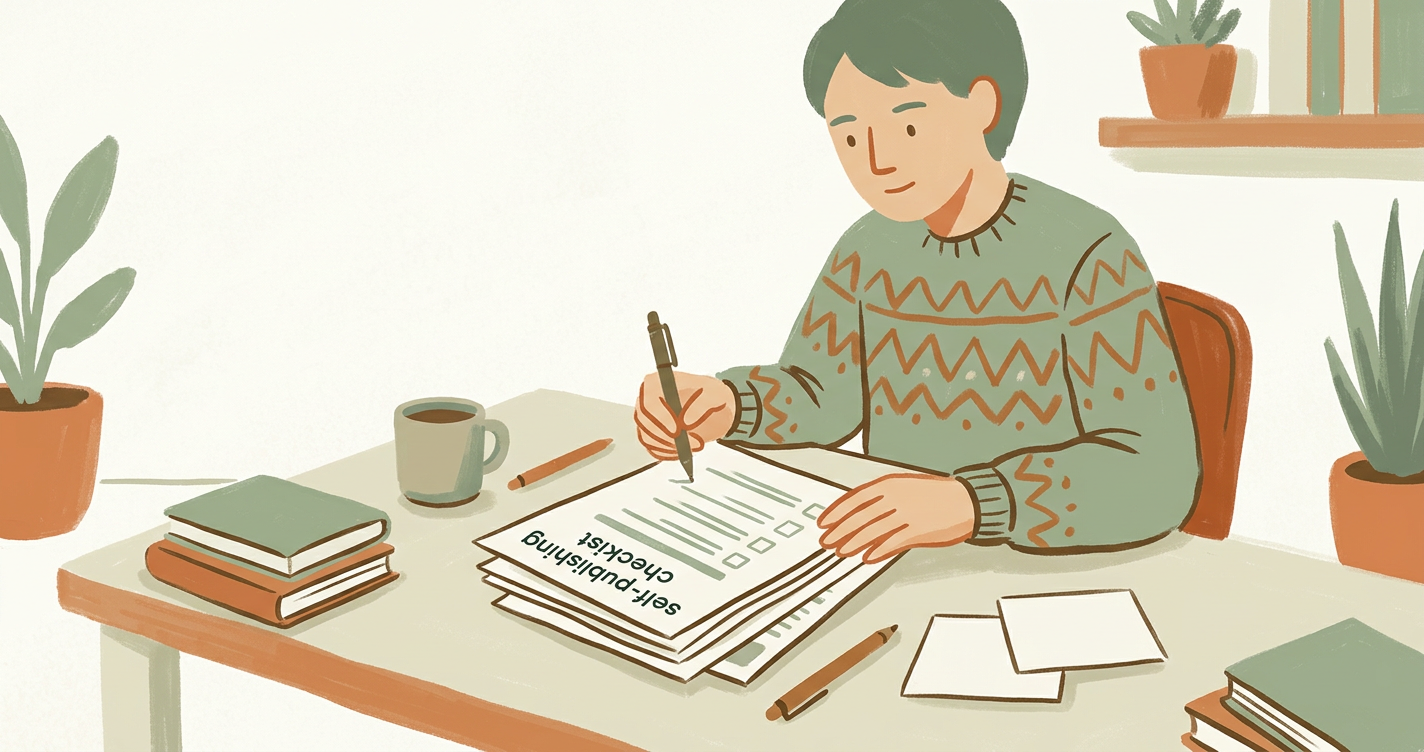
Organising Your Path to Publication
Finishing your book is a monumental achievement, but the transition from writer to published author requires a different set of skills. A structured self-publishing checklist helps you manage the technical requirements of Amazon KDP without feeling overwhelmed. By breaking the process into logical stages, you can ensure your work meets professional standards.
Phase 1: Refining the Manuscript
Before you even look at the KDP dashboard, your text must be polished. This begins with comprehensive editing and proofreading to catch grammatical errors and inconsistencies that could lead to negative reviews. Once the text is final, you need to consider the formatting and interior design. A well-formatted book ensures a comfortable reading experience, whether on a Kindle device or in print.
Phase 2: Visual and Technical Assets
Your book cover is your most important marketing tool. It needs to communicate your genre and quality instantly. Alongside the cover, you must decide on your ISBN. While Amazon provides a free ISBN, many UK authors choose to purchase their own to retain full control over the publishing data.
Essential Technical Steps:
- Finalise your front matter (Title page, Copyright, Dedication).
- Generate a Table of Contents (essential for Kindle navigation).
- Choose your trim size (e.g., 5 x 8 or 6 x 9 inches).
- Select your paper type (Cream, White, or Colour).
Phase 3: KDP Metadata and Setup
This is where your publishing support becomes vital. Metadata is the information that helps readers find your book. You will need to select two categories and seven backend keywords. Think about what a reader would type into the search bar to find a book like yours. Ensure your book description is engaging and includes a clear hook.
Common Mistakes to Avoid
Many first-time authors rush the final stages. Common errors include uploading a cover with the wrong spine width, forgetting to embed fonts in the PDF, or selecting categories that are too broad. Always use the KDP Previewer tool to check every single page before clicking 'Publish'.
How There's a Book in Everyone helps
We provide the tools to guide you through every stage of this checklist. From initial book planning and AI-assisted drafting to the final technical hurdles of KDP setup, our platform ensures you never have to guess the next step. We help you turn your manuscript into a professional product ready for the global marketplace.
Explore Publishing Support
Preparing to publish? Get guided support for metadata, formatting and publishing preparation. Find out more here.
Frequently asked questions
Preparing to publish?
Get guided support for metadata, formatting and publishing preparation.